Supported Hardware
SenseCraft HMI supports a wide range of e-paper displays and development boards. Here’s the complete list of supported hardware.
Officially Supported Devices
Section titled “Officially Supported Devices”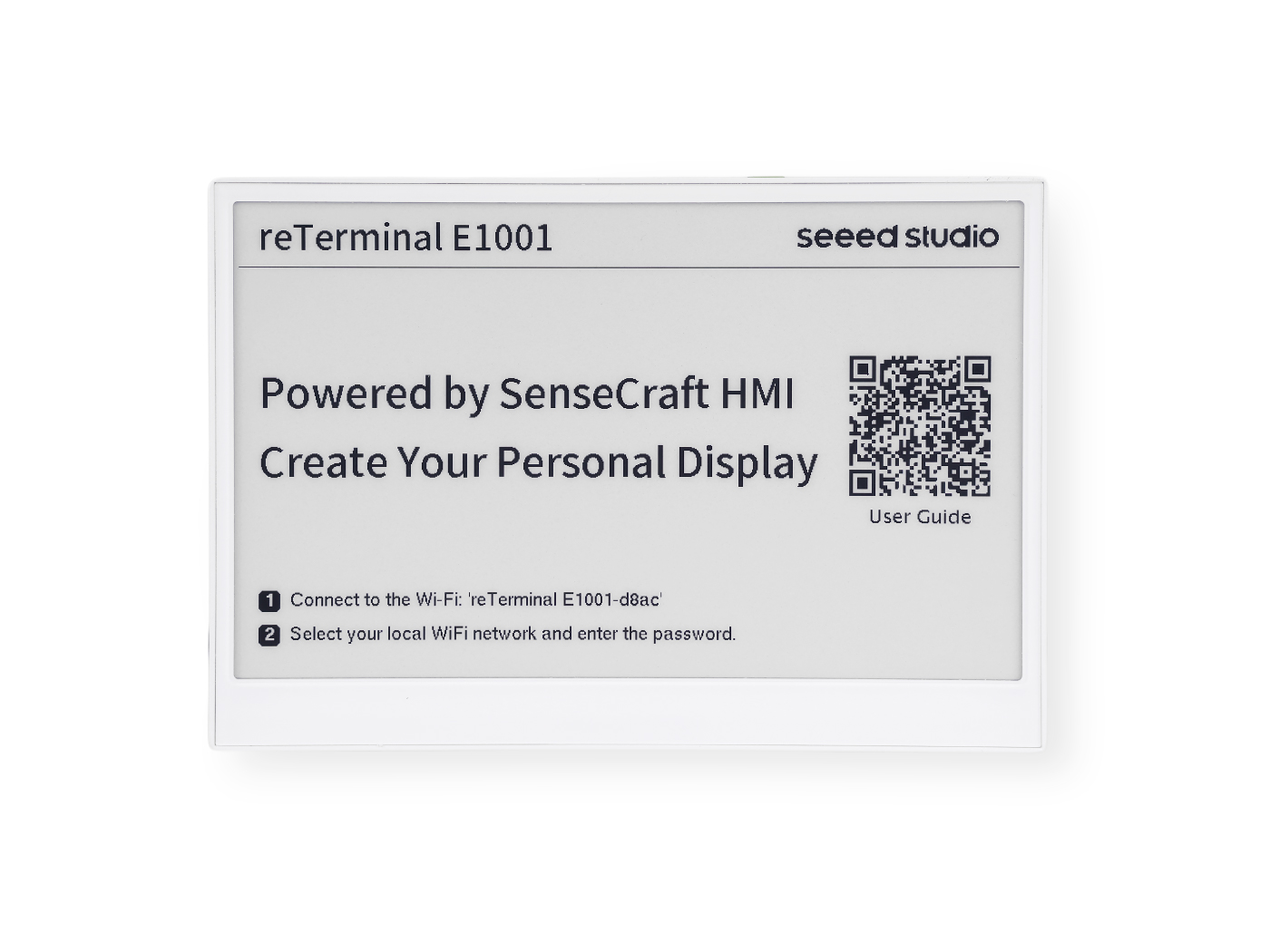
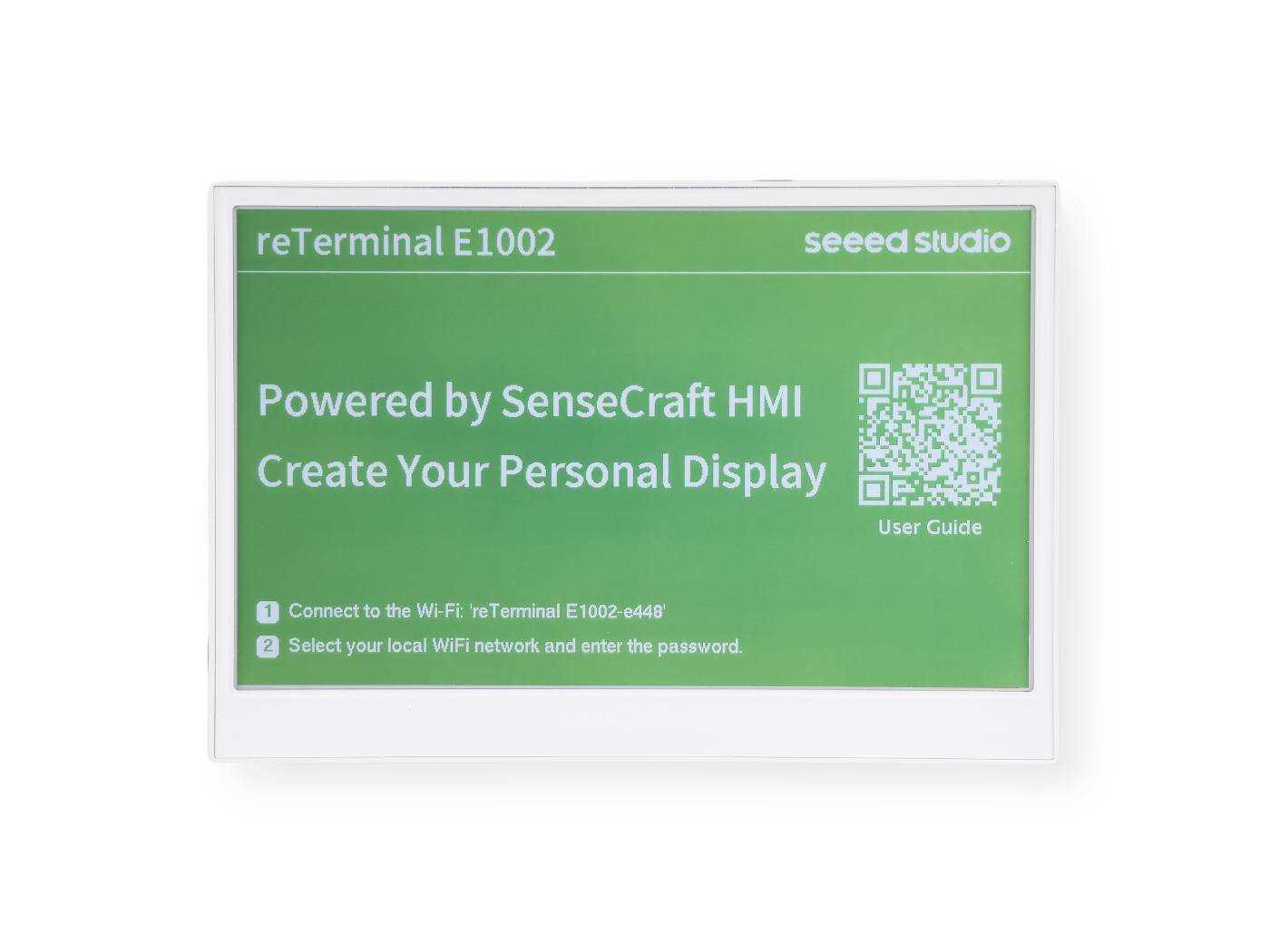
The reTerminal E Series ePaper Display combines powerful computing capabilities with ePaper display technology, making it perfect for digital signage, information dashboards, and interactive displays. The series includes two models with different display capabilities:
The reTerminal E1001 features a 7.5-inch monochrome ePaper display with 4-level grayscale capability. With its 800×480 resolution, it delivers crisp text and clear images while consuming minimal power. The monochrome display is perfect for applications where text legibility and battery life are priorities.
Key Features
- Beautiful, Ready-to-Use ePaper Display
- Ultra-Low Power with 3-Month Battery Life
- No-Code UI Design & Deployment with SenseCraft HMI
- Works with Popular Software Platforms
- Flexible Hardware & Software Customization
The reTerminal E1002 features a vibrant 7.3-inch six-color ePaper display with ACeP (Advanced Color ePaper) technology. This color display offers the same power efficiency benefits of ePaper technology while allowing for more visually engaging content with multiple colors, making it ideal for applications where visual distinction and aesthetic appeal are important.
Key Features
- Beautiful, Ready-to-Use E Ink® Spectra™6 Color ePaper Display
- Ultra-Low Power with 3-Month Battery Life
- No-Code UI Design & Deployment with SenseCraft HMI
- Works with Popular Software Platforms
- Flexible Hardware & Software Customization
ePaper DIY Kits
Section titled “ePaper DIY Kits”- ePaper DIY Kit - EE04 - The EE04 expansion board and screen support various sizes and displays.
- TRMNL 7.5” (OG) DIY Kit - Original TRMNL compatible kit
Compatibility Matrix
Section titled “Compatibility Matrix”| Device | Display Size | Resolution | Color | Status |
|---|---|---|---|---|
| reTerminal E1001 | 7.5” | 800x480 | B/W | ✅ Supported |
| reTerminal E1002 | 7.3” | 800x480 | Full Color | ✅ Supported |
| ePaper DIY Kit - EE04 with 7.3” ePaper display | 7.3” | 800x480 | Full Color | ✅ Supported |
| ePaper DIY Kit - EE04 with 7.5” ePaper display | 7.5” | 800x480 | B/W | ✅ Supported |
| TRMNL 7.5” OG Kit | 7.5” | 800x480 | B/W | ✅ Supported |
Firmware Update History
Section titled “Firmware Update History”| Version | Date | Changes |
|---|---|---|
| 1.1.1 | 2026/1/27 | 1.Optimized LED logic: LED only lights up during boot initialization, button-triggered image switching, or updates, and remains off in all other states 2.Added IoT reporting info: remaining storage space on device SD card and Flash |
| 1.1.0 | 2026/1/23 | 1.Optimized spelling errors in device logs 2.Optimized the issue where the device automatically entered sleep after button-triggered image switching while charging 3.Optimized networking strategy for pure album image slideshows 4.Optimized the issue where the buzzer did not sound when waking up the device via button to switch images |
| 1.0.9 | 2026/1/19 | 1.Optimized the issue of frequent buzzer beeping during non-button-triggered updates 2.Optimized byte alignment for screens beyond 2.13-inch: Added a dynamic detection script to resolve display anomalies on E1003 screens where height is not a multiple of 8 3.Optimized the issue where the interface skipped to completion immediately after manual network configuration on the ID page 4.Optimized the mirrored button logic on E1004 by adjusting button initialization logic |
| 1.0.8 | 2025/12/25 | 1.Updated the network configuration home page, pairing code display page, and pairing success page for E1001, E1002, E1003, and E1004 2.Optimized the display of non-screen-sized images: images start displaying from the top-left corner of the screen, and excess areas show blank space 3.Increased the number of images that the HMI platform can send to the device’s SD card at once (approximately 1000 images) |
| 1.0.7 | 2025/12/3 | 1.Changed the sleep entry interval from 5s to 60s, giving users more operation time 2.Added support for 4-grayscale image parsing and display on 7.5-inch screen devices 3.Optimized the battery level display logic for more accurate power indication |
| 1.0.6 | 2025/11/14 | 1.Unified the display orientation of content across screens of different sizes 2.Added PNG decoding for issued images to speed up image download 3.Extended the sleep entry interval from 5s to 10s 4.Changed the page switching interval on the DIY kit network configuration page from 3s to 5s 5.Added size labels on the network configuration pages for 2.13-inch and 2.9-inch screens, helping users identify the screen size more easily |
| 1.0.5 | 2025/10/27 | 1.Optimized the time synchronization logic for more accurate local time display 2.Optimized the automatic white screen refresh logic at 4:30 AM: changed the white screen display duration from 15 minutes to 1 minute |
| 1.0.1 | 2025/9/19 | 1.Added support for the playlist feature 2.Added scheduled white screen refresh logic to extend screen lifespan 3.Optimized the content of the Device network configuration page |
| 1.0.0 | 2025/8/26 | 1.First official release firmware, supporting the SenseCraft HMI platform. |